







Applications
Business
Software
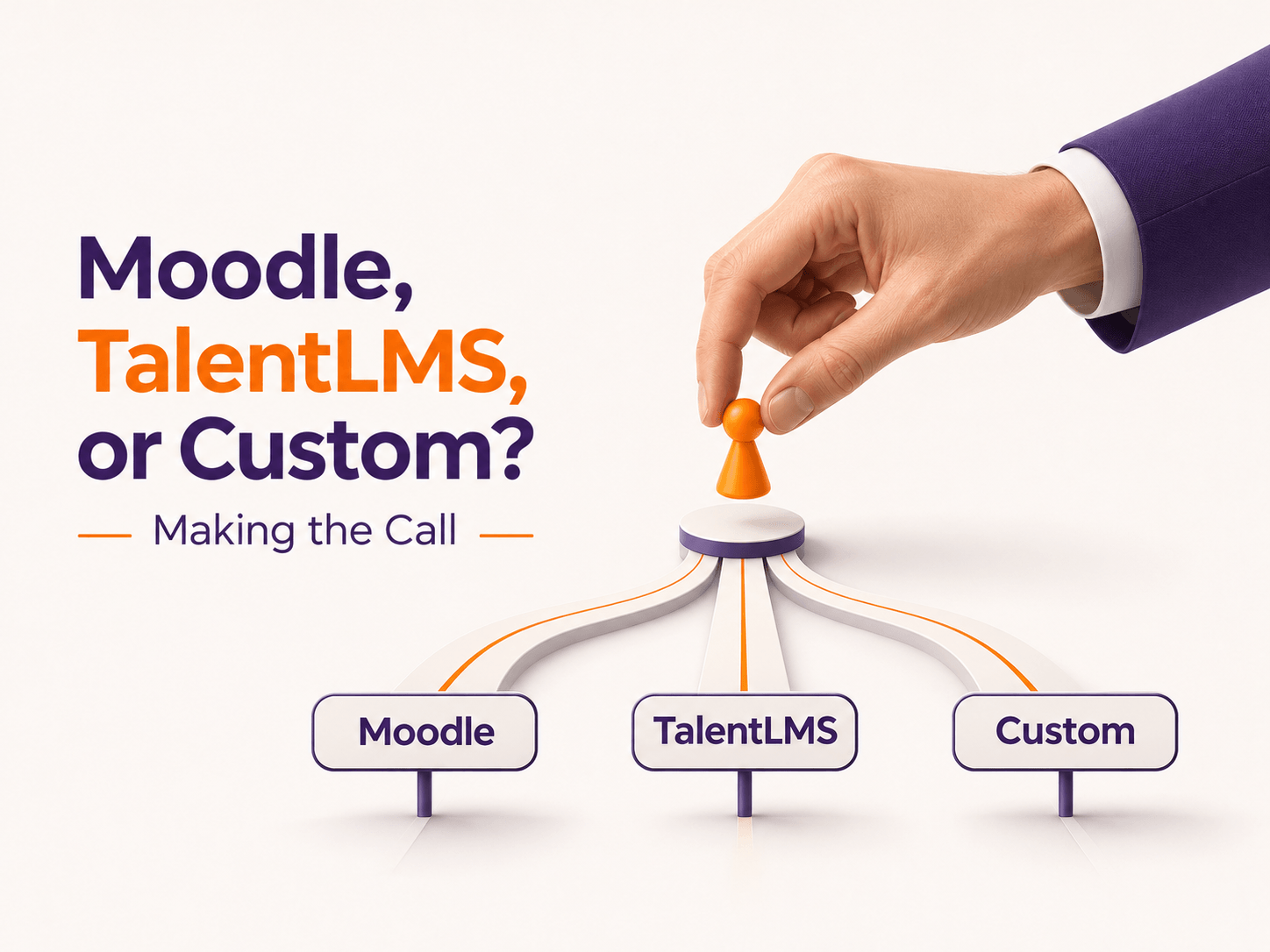
Moodle Vs Talentlms Vs Custom Lms: What Should You Choose?

sachin pokharel
05 Nov 2026
Choose Moodle if you want more control and have the technical resources to manage it. Go with TalentLMS if you want a ready-to-use platform with less technical responsibility. And, opt for a custom LMS when your training workflows need functionality and flexibility that standard platforms cannot provide.
Here, the right choice is not just about features. All three LMS options deliver courses, track progress, and manage learner records, so their features list do not tell you much about which option fits you best. The real difference appears after launch: who manages the system, handles updates, and adapts it when your needs change.
So, this guide compares Moodle vs TalentLMS vs custom LMS beyond their feature lists. You’ll see how each approach differs in setup, control, customization, maintenance, and long-term fit, helping you understand what each option requires before you choose.
Key Takeaways
- Moodle gives you more control but requires more technical responsibility, while TalentLMS reduces the technical workload. A custom LMS gives you greater control but requires the most development and ongoing maintenance.
- A custom LMS makes sense when your learning model does not fit standard course-and-completion structures, such as complex competency or assessment workflows.
- Before building, test whether an existing LMS or custom layer solve the specific gap.
- Before choosing an LMS, identify who will administer and own the system after launch, and consider whether your team has the capacity to manage it.
- Check what learner data you can export, in which formats, and at what cost before committing to a platform.
- The cost of an LMS includes development or licensing, hosting, upgrades, maintenance, integrations, administration, and ongoing support.
- Before deciding, count learners by usage and test your most complex learning process.
Key Differences Between Moodle, TalentLMS, and Custom
All three options can deliver courses, track completion, and keep learner records. The bigger difference is what happens after you start using them. With Moodle, you take on hosting, upgrades, plugins, and technical issues.
With TalentLMS, the vendor handles most of that work. With a custom LMS, your team or development partner does. Most comparisons focus on the license or subscription, but that does not tell you who will do the work behind the system.
| What it costs you | Moodle: open source/self-hosted | TalentLMS: hosted | Custom LMS |
| License | No standard license fee | Recurring subscription | No product license, but development cost |
| Hosting | Your responsibility | Vendor responsibility | Your responsibility or your provider's |
| Upgrades | You plan and apply them | Vendor manages them | Your development team manages them |
| Extensions | Plugins, themes and integrations | Available within the platform's model | Built specifically for you |
| When something breaks | Your administrator or technical team investigates | Vendor support handles the platform issue | Your team or development partner investigates |
| If your administrator leaves | You lose the person who knows how the system is configured and maintained | Vendor still manages the platform | You need another person or developer who understands the system |
| When you leave | You control the hosted system and its data | You need to understand export and exit terms | You control the system, but migration still needs planning |
Moodle is an open-source LMS, so it has no standard license fee, which gives it a clear cost advantage over a paid hosted LMS. However, you still need to cover hosting, upgrades, plugin maintenance, and administration. Moodle’s own documentation recommends testing upgrades on a copy of the production site, backing up the system, and checking installed plugins for compatibility before upgrading.
TalentLMS takes a different approach. You pay for a subscription, but the vendor handles the hosting, platform upgrades, and core maintenance. A custom LMS shifts the cost again: instead of paying mainly for access to an existing platform, you pay to build, host and maintain software around your requirements.
So, the three options do not simply differ in what you pay. They differ in what that payment covers and who is responsible for the work behind the LMS.
What Does Each LMS Require From You?
Each LMS comes with a different balance of control, convenience, and responsibility. Moodle gives you more to manage, TalentLMS takes more off your plate, and a custom LMS gives you more ownership. The important part is understanding what comes with each choice.
Moodle LMS
Moodle stands for Modular Object-Oriented Dynamic Learning Environment. It is an open-source LMS with a large ecosystem of plugins and themes. Its current statistics report more than 146,000 registered sites, around 59 million courses, and 530 million users across 236 countries.
You can self-host Moodle and adapt it to your training needs without paying a standard software license fee. Also, you get an established LMS that you can extend through plugins and themes, rather than building the core platform yourself.
The trade-off of a lower open-source LMS total cost is the technical responsibility that comes with self-hosting. Your team must handle hosting, scaling, backups, upgrades, plugin maintenance, and troubleshooting. One practitioner perspective captured the issue simply: Moodle is not “plug and play.” In practice, that means someone needs to understand how your installation is configured, maintained, and updated.
However, Moodle’s limitations should not discourage you from using it. It simply gives you more responsibility alongside flexibility and control. Choose it when you have the resources to manage that side of the platform.
TalentLMS : A Hosted LMS
TalentLMS is a cloud-based LMS that lets you create courses, manage learners and track training through a vendor-hosted platform. You pay for access to the service instead of running the LMS on your own infrastructure. TalentLMS fits when you want the vendor to handle the technical work and its subscription model matches how your learners use the LMS.
It involves less operational work than custom and Moodle LMS because the vendor manages the hosting, core upgrades and underlying platform. You can focus on courses, learners, and reporting.
However, you pay for that convenience through a pay-per-user pricing model. TalentLMS bases its plans on active users, so your costs can change as your learner numbers change. This can become a problem if you have occasional learners, seasonal cohorts, or large external audiences because you may pay for users who need access only for a limited time. The trade-off is pricing, not the platform's capability.
Before choosing TalentLMS, count your regular, occasional, and external learners and check how each group fits the pricing model.
Custom Learning Management System
A custom LMS is built specifically around your organization's requirements rather than configured from an existing product. You get control and ownership of the software. As the training business owner, you decide how the system handles courses, assessments, learner records, competencies, workflows and integrations.
For standard course delivery, a custom development is rarely necessary. Courses, enrolment, progress tracking, completion records and certificates are already established LMS functions. Rebuilding these capabilities from scratch means spending money on software that already exists.
Here, you pay for the initial development and continue to carry the cost of hosting, security, maintenance, fixes and future updates. Your organization also needs technical knowledge or a development partner to manage the system after launch including the continuous maintenance support.
In those cases, the question is no longer simply, “Which LMS has this feature?” It is whether an existing LMS can represent how your organization actually delivers and records learning. So, custom LMS development makes more sense only when your organization's learning process does not follow a standard course-and-completion model.
Still unsure whether you should build custom LMS or choose an off-the-shelf product? Check out our guide, Off-the-Shelf vs Custom Software: How to Choose.
Four Questions That Decide Which LMS Fits
Before choosing an LMS, look at how the system will fit into your organization, not just the features it offers. These four checks help you assess who will run it, how your learners use it, whether your learning model fits a standard LMS, and what happens to your records if you leave. Together, they give you a clearer basis for comparing Moodle, TalentLMS, and custom development.
1. Who Will Administer the LMS?
Research and know who the system administrator will be. Someone needs to handle users, permissions, integrations, reports, and day-to-day issues.
If you do not have someone who can manage the technical side, a hosted LMS such as TalentLMS reduces that workload. If you already have a technical administrator who can take ownership, Moodle becomes a practical option.
If your organization has a development team responsible for long-term product ownership, custom development becomes possible. But, that does not automatically make it necessary.
2. How Many Learners Do You Have, and How Often Do They Log In?
Do not count only registered learners, count the learners by usage.
Separate your users into groups such as:
- Regular internal learners
- Occasional learners
- Seasonal cohorts
- External customers
- Partners or contractors
Then compare that usage against the pricing model. TalentLMS, for example, distinguishes active users from its flexible-user model, where unique logins during a monthly billing cycle determine usage. That makes your learner pattern part of the buying decision, not just your total user count.
3. Does Your Learning Model Look Like Courses and Completions?
This question cuts through a lot of feature comparison.
If your learners take courses, complete assessments, receive certificates and move on, an existing LMS already matches the basic model.
If progression depends on competency, assessment results, workplace activity or rules that sit outside normal course structures, investigate whether the platform can represent that model before assuming you need to build.
The harder your learning process is to express inside a standard LMS, the stronger the case for a custom layer becomes.
4. What Happens to Your Learner Records If You Leave?
Ask the vendor what happens to your learner's records when you cancel the subscription.
Also, make sure to ask specifically whether reporting exports are available in a portable format like SCORM (for course content) or xAPI (for learner activity records). Be clear about the data ownership terms.
Do not stop at a vague statement that “your data is yours.” Ask the vendor to show you exactly which records you can export and how you would move them to another system.
Before you commit, make sure you know what you can take with you, in what format, and at what cost.
What Building a Custom LMS Actually Costs?
The cost of a custom LMS depends on the features you need, the complexity of your learning processes, the systems it must connect with, and the work required to maintain it. A custom LMS's cost goes well beyond the license or development fee.
Moodle is free to license, but self-hosting still means paying for hosting, upgrades, plugins, integrations, and administration. TalentLMS includes much of this work in its subscription, including platform maintenance and ongoing support.
A custom LMS usually requires a larger upfront investment because you pay for development first. Plus, you still have ongoing costs such as hosting, maintenance, security, and support, but you also own the software and control how it evolves. Over time, that gives you more return on investment (ROI) than relying on a vendor’s platform and pricing model.
In our discovery calls, organizations often find that Moodle costs more to run than its license price suggests. Hosting, upgrades, plugin maintenance, and administration all add to the operating burden of a self-hosted LMS.
However, that does not mean you should start from scratch when Moodle or TalentLMS reaches a limitation. For most organizations, an existing LMS already handles course delivery, learner records, and completion tracking well, especially if you are a small business.
You may need custom LMS development when a specific part of your learning process does not fit the platform. This could be custom assessment rules, competency tracking, or an integration with another system.
In our experience, organizations that approach us for custom development often find that they do not need a completely new LMS. A custom layer added to their existing software is enough to handle the gap, significantly reducing the actual cost of custom development.
Work Out the Running Cost, Not the License Cost
Talk to our team to compare Moodle, TalentLMS, and custom development based on the cost, technical work, and ongoing effort each option demands from your team.
When You Should Not Build a Custom LMS
You do not need a custom LMS just because your current platform has a few limitations. So, you should not build a customized LMS if your existing platform already handles how you deliver and track training.
Building from scratch adds development, maintenance, and technical work that you do not need. So, try to avoid investing in custom LMS if you have following situations:
- You only need to deliver and track courses: Existing LMS platforms already handle courses, learner progress, assessments, and completion records. Rebuilding these functions adds development and maintenance work without solving a new problem.
- You have not fully tested a hosted LMS: If you are using only basic features, test what platforms such as TalentLMS can already handle before deciding that you need custom software.
- Nobody will own the system after launch: Custom software still needs upgrades, fixes, security checks, and ongoing maintenance. If nobody has responsibility for it, the system will become harder to manage over time.
- Your real problem is enrolment or scheduling: If the difficulty sits around the learning platform rather than course delivery, you may need a broader training management system instead.
- You mainly want to avoid per-user fees: A self-hosted open-source LMS such as Moodle can remove the need for a per-user subscription without requiring you to build an LMS from scratch.
Before moving to a custom LMS, first consider whether your training software is actually keeping up with your business. Our guide, Is Your Training Software Keeping Up?, can help you assess that broader fit.
What to Do Before You Choose an LMS
Before choosing an LMS, look beyond its feature list and check how it will fit your organization. Review your learner usage, identify who will manage the system, confirm what happens to your data if you leave, and test your most complex learning process.
- Count Learners by Usage: Separate regular, occasional, seasonal, and external learners. Then compare those numbers with the hosted LMS pricing model. This gives you a more realistic picture of what you will pay.
- Name the Administrator: Decide who will own the LMS after launch. If you cannot name that person, self-hosting is not simply a free option. Someone still needs to manage hosting, upgrades, plugins, and other technical work.
- Check What Happens When You Leave: Ask the vendor what happens to your learner records when you cancel. Find out what you can export, which records are included, what format they use, and whether there are any additional costs. Get the answer in writing.
- Test Your Hardest Learning Process: Do not show the vendor only a basic course. Show them your most complex assessment, progression, or competency process. Ask them to demonstrate how the platform would handle it.
These checks give you a clearer picture than a feature list alone. They show what the LMS will actually require from your organization.
Choosing Between Moodle, a Hosted LMS and a Custom Build
Choosing between Moodle, TalentLMS, and a custom LMS comes down to the work your team takes on to run the system. The key difference is where that responsibility sits: with your organization, the vendor, or your development team.
With Moodle, you get an established platform without a standard license fee, but your organization handles hosting, upgrades, plugins, and administration. With TalentLMS, you pay a subscription, and the vendor handles most of the platform work for you. With a custom LMS, you get greater control over the software, but you also take on the work of developing, maintaining, and improving it.
That difference in responsibility means the right option depends on how your organization operates. So, look at three things: how your learners use the LMS, who will manage it, and whether your learning process fits a standard LMS.
For example, a hosted LMS suits organizations with occasional or seasonal learners that want less technical work. Moodle works well when you have someone who can manage hosting, upgrades, and plugins, and custom development becomes relevant when your learning process includes requirements that standard LMS platforms cannot handle.
Hence, do not compare these options on features or license and prices alone. Compare what each one gives you, what it asks your team to manage, and how well that model fits the way you deliver learning.
Learning Software Shaped Around How You Actually Teach
Build the custom software that your organization actually needs. Get more control over your learning software instead of paying for features that do not fit the way you work.
FAQs
Is Moodle really free?
Moodle is open-source software and does not charge a standard license fee for the software itself. That does not make a self-hosted Moodle installation cost-free. You still need to account for hosting, administration, upgrades, backups, plugins and technical support.
What is the difference between Moodle and a hosted LMS like TalentLMS?
Moodle can be self-hosted, so your organisation takes responsibility for the environment and its maintenance. TalentLMS is a hosted service, so the vendor operates the platform while you pay for access under its subscription model.
When does a custom LMS make sense?
Custom development makes sense when your learning model does not map well to standard course delivery. Examples include complex assessment-led progression, competency structures tied to internal roles or learning that needs to operate inside another product.
What happens to learner records if you leave an LMS?
It depends on the LMS and your agreement. Check what learner records, certificates, and reporting data you can export, in what format, and at what cost.
Can a custom system work alongside an LMS?
Yes, custom system can work alongside your existing LMS. Keep the LMS for course delivery and connect your custom system through APIs or SSO to share learner and completion data.
Related insights

The Rise of Virtual and Augmented Reality (VR/AR) in Business
21 Nov 2025

Choosing the Right E-Commerce Platform for Your Nepal-Based Business
21 Nov 2025
The Evolution of Software Development: A Journey Through Time
19 Dec 2025
Have a project in mind? Let's build something great.
Share your ideas or questions and our experts will get back to you shortly.
Unlock Expert Guidance
Need expert IT advice? Our seasoned professionals are here to help you navigate your tech challenges. Schedule a session with us and get personalized solutions tailored to your business needs.

Connect with Us and Let's Build Something Together
We'd love to hear from you! Whether you have questions, need support, or want to discuss a new project, our team is ready to assist. Fill out the form below, and we’ll get back to you as soon as possible.
Prefer a Direct Consultation?
Connect with our team for a 1-on-1 virtual session to discuss your project, understand your needs, and explore the right solution for your business.
What's Next?
- 1Connect with you at a convenient time
- 2Explore your needs, goals, and requirements
- 3Prepare a tailored proposal based on your needs
Why Choose Us
Connect with AITC
Select your inquiry type to route your request to the right department.
Our Office Locations
Operating across 3 key timezone hubs to serve global enterprise clients.