







Business Growth
Business
Clinic Management Software: When to Buy, Switch, or Build

sachin pokharel
26 Oct 2026
Introduction
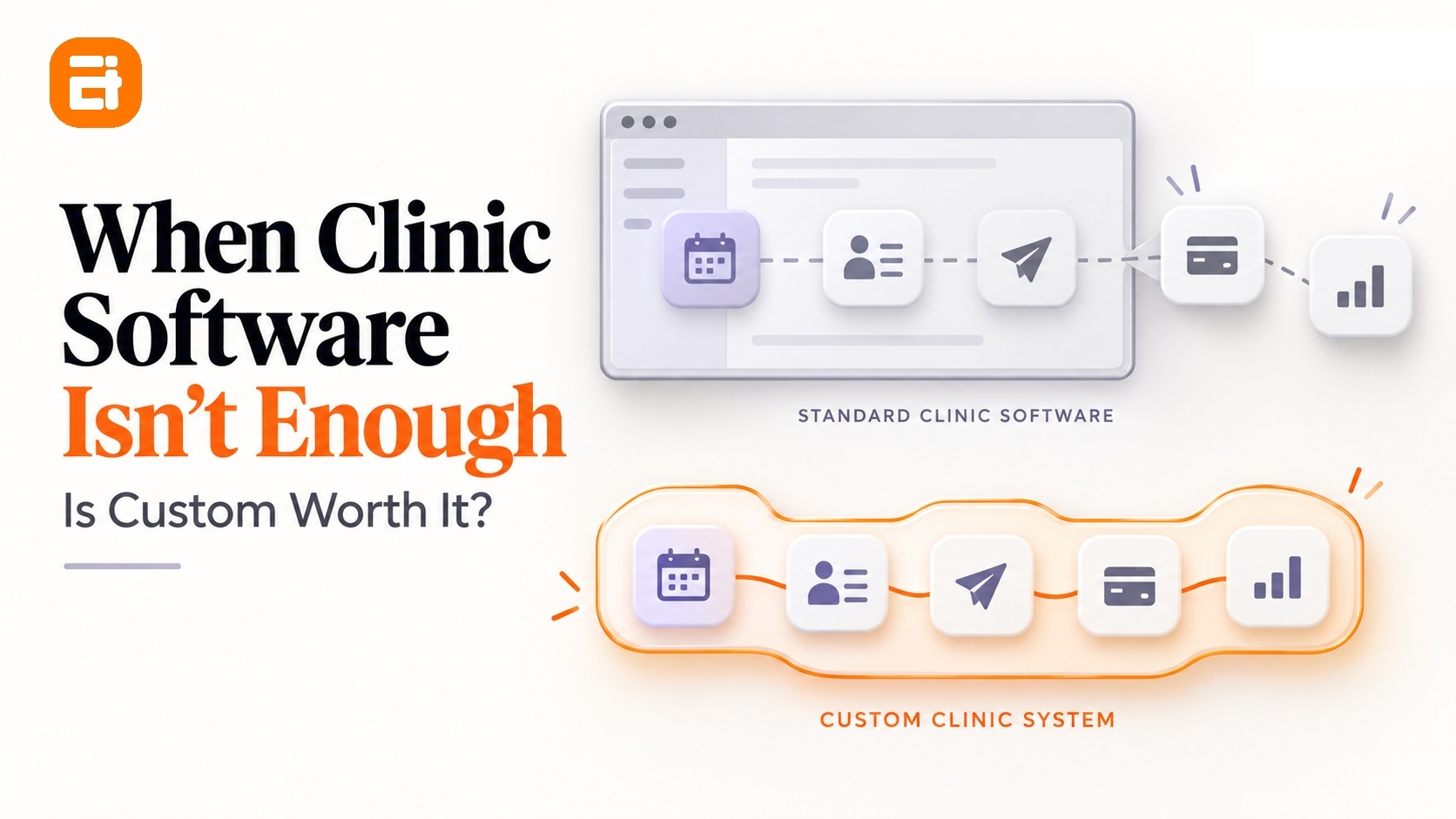
Switching to custom clinic management software is not the right choice for every clinic. If your current system still meets your needs, upgrading it is enough. If another platform handles your needs without major workarounds, switching to another system is the better choice.
And custom software is the right option when your care delivery does not fit any standard product on the market, and your clinic can wait months, rather than weeks, for a system built around your day-to-day workflows.
Before you decide between buying and building, consider two practical factors: how long a custom build will take and who controls your patient's data. These affect the risks and trade-offs of moving away from your current system.
This guide explains when to keep your current system, when to switch, and when to build custom software.
Key Highlights
- Most clinics work well with off-the-shelf clinic management software when their processes follow common workflows.
- Custom software makes more sense when important operational workflows cannot be supported without repeated workarounds.
- A custom build takes months, so it is not the right answer when your clinic needs an immediate fix.
- Patient data should be treated as a key part of the build-vs-buy decision, including export, access, migration, retention, and custody.
- Before building, ask your current vendor what can be configured, request a full data export, and measure how much rework your team handles.
- The right answer may be better configuration, training, integration, a replacement system, or custom healthcare software development.
Signs Your Clinic Software Is Failing: Quick Checklist
Here is a diagnostic checklist highlighting common warning signs that your clinic management software is no longer keeping up with your practice.
Tick the signs that apply to your existing clinic management software and note which column your choices fall into. If several problems cannot be solved through configuration, training, or another standard platform, they point to deeper system limitations that make custom software worth considering.
| The Sign | Fixable by Configuration or Training? | What It Points To |
| Scheduling needs a parallel diary | No | Structural scheduling mismatch |
| Patient history assembled manually | No | Fragmented records architecture |
| Referrals tracked on a separate list | No | No referral status model |
| Claims corrected by hand before submission | Sometimes | Payer-rule encoding gap |
| Reports describe last month, not this week | No | Reporting built on export-and-merge |
| Staff keep a workaround spreadsheet for something the system should do | Yes, sometimes | Underused or misconfigured system |
When Off-the-Shelf Clinic Software Falls Short?
Off-the-shelf clinic software starts to fall short when your clinic needs more flexibility, integration, or control than the system can provide. It works well for standard processes, but complex scheduling, disconnected systems, manual data handling, and clinic-specific requirements expose its limits.
Here are five signs that your current software may no longer fit the way your clinic operates.
1 . Scheduling That Can't Model How You Actually Run Clinics
If an appointment scheduling needs more than one resource at the same time, your team struggles to schedule it in your current system. A physiotherapy session, for example, needs a specific clinician, treatment room, equipment, and two staff members.
If your software only checks the clinician’s availability, your staff turn to a whiteboard, spreadsheet, or separate calendar to check the other resources before confirming a booking.
That workaround quickly becomes a problem. Someone may forget to update the schedule, miss a change, or book a resource that another staff member has already assigned.
So, if your team has to check another tool before confirming an appointment, that is a clear sign that your clinic software is not keeping up with your scheduling needs.
The issue is not that the software is necessarily wrong. It may simply be designed for simpler appointments than your clinic handles.
2. Records That Don't Follow the Patient Between Providers
When notes are stored across different sites, clinicians, or systems, the full patient history is split across multiple places. A patient seen at two locations can have notes in separate records. When you use Electronic Medical Record (EMR) systems that do not share information, they can't get complete information through a single screen.
So, when a patient returns, you have to piece that history together themselves. You need to move between screens, search through different records, or contact another site to find information from the previous visit.
That extra work adds up. Staff spend time reconstructing information that should already be available, and administrative tasks are repeated because the system does not carry information forward.
If your team regularly has to search across systems or contact another site to assemble a patient’s history, fragmented data is a clear sign that your clinic software is falling short.
3. Referral Chains With No Status
A referral does not end when you send it. You need to know whether it was received, accepted, scheduled, completed, returned, or still waiting for action.
When your system does not track those states, your staff often rely on spreadsheets, email threads, shared lists, or memory. Someone then has to check whether an outstanding referral has moved forward.
The problem is not simply that the referral process is inconvenient. It is that there is no reliable workflow showing what needs attention.
As referral volumes grow, manual follow-up becomes harder to maintain. Staff spend more time asking for updates rather than working from a clear status view.
A system that supports referral tracking should reflect the actual stages used by the clinic. If the existing system cannot model those stages, configuration may not be enough.
4. Claims and Billing That Need Manual Rework
Claims and billing become a significant operational burden when your system cannot handle the rules and information your payer or billing workflow requires.
Instead of producing a ready-to-submit claim, staff need to check and correct information manually. Meanwhile, rejected claims also create another round of investigation and rework.
This happens when billing requirements are handled differently from the way the practice management system expects them to work. Over time, staff maintain additional spreadsheets, checklists, or manual processes to fill the gap.
If your team regularly spends time correcting claims, checking rejections, or preparing billing information manually, the issue goes beyond training. It shows that your system is not handling part of the billing workflow your clinic depends on.
5. Reporting That Arrives Too Late to Act On
If your Electronic Medical Record (EMR) system cannot pull the information together, your staff have to do it themselves. They export data, clean it up, and combine spreadsheets to work out things like utilization, no-show rates, and outstanding referrals.
Off-the-shelf clinic management software falls short when delayed reporting prevents managers from making timely decisions about appointments, staffing, revenue, and costs. This happens when the system cannot bring the information they need into one report, forcing staff to export data, clean it, and combine spreadsheets.
For example, a clinic manager may need to see this week’s bookings, attended and missed appointments, revenue, and service costs in one report. If appointment, patient, billing, and expense data sit in separate systems, staff have to collect and combine these figures manually.
By the time the report is ready, the week has already passed. If basic operational reporting requires several exports and spreadsheet work, the standard system is no longer giving the clinic the timely view it needs.
Think Your Clinic Has Outgrown Its Software?
Identify where your current system falls short and explore whether custom clinic management software can better support your workflows.
Book a Consultation →
If these issues are becoming part of your daily workflow, our guide on Signs You Have Outgrown Spreadsheets (/insight/outgrown spreadsheets) helps you identify when spreadsheets are no longer the right fit.
The Question Vendors Avoid: Who Holds Your Patient Data?
The question is not just where your data is stored today. It is what happens when you need to move it. That matters when you change vendors, move to another platform, connect to a new system, or replace your current software.
Some of the questions you need to ask to vendor before committing:
1 . Data Custody and What Happens When You Leave
Data custody should be part of the software decision before you sign a contract, not an issue you discover during migration. So, ask your current and prospective vendor what you can retrieve, how it is delivered, and what happens when the relationship ends.
Before committing to a system, ask:
- Can you export the complete record?
- Who owns the data contractually? - you or the vendor
- What happens if the vendor is acquired or shuts down?
- What would migration involve?
A custom build changes the answer to these questions because your clinic has more control over how the system is designed, hosted, integrated, and exported. That does not automatically make clinic management software the better choice, but it is a legitimate factor in the decision.
2. What You May Need to Be Able to Show
The way clinics handle health data depends on their jurisdiction and how they collect, use, store, and share it. Your system should therefore provide the controls and records needed to understand who accessed information, how it was handled, and how it moves between connected systems.
Interoperability standards such as HL7 FHIR are designed to support the exchange of health information between systems
Depending on your circumstances, you may need to show:
- Who accessed a record and when: Use an appropriate audit trail and access control to track access.
- Consent was captured: Link consent to the relevant process or record.
- Potential breach detection and reporting: Use suitable monitoring and records to support detection and reporting.
- Data retention and disposal: Keep records for the required period and document when they are disposed of.
The specific requirements differ by jurisdiction, so confirm them with qualified local advisers before choosing or designing a system. This article is not legal or regulatory advice.
Custom Clinic Software: How Long It Takes and What It Costs
If you are looking for custom software development then, it takes time, and its cost depends on the scope, integrations, migration, and support required. Before choosing a build, compare these costs with your current system and consider whether you need a solution now or can wait for a custom build.
How much time does it take to build custom clinic management software?
The exact timeline depends on the scope of the system and the work needed to make it fit your clinic. If your clinic needs a fix now, configure or replace the current system first and revisit a custom build when the pressure is off.
The total time for development varies and highly depends on integrations, data migration, workflow design, testing, approvals, customization, and the number of processes being built. A small internal tool and a full clinic management platform are very different projects, so treat an early estimate as a planning range until the requirements are defined.
How much does custom clinic management software cost?
The cost of custom agribusiness software depends on what the business needs the system to handle. Development is only one part of the project; integrations, data migration, testing, training, hosting, and ongoing support also affect the total.
Your current system has costs beyond its licence too. Staff time spent entering grower deliveries, checking grades, reconciling grower accounts, resolving payment differences, and handling traceability requests all add up. When these tasks run across spreadsheets and separate systems, the manual work becomes part of the cost.
The total investment also rises when the new system needs to connect with accounting, agronomy, or other existing software. This involves additional development, data mapping, testing, and ongoing maintenance. The effort depends on which systems need to connect and how they exchange information.
A focused build can keep the project smaller. For example, a business can build around grower intake, grading, and grower accounts while keeping its accounting system. Before development starts, mapping one full process from intake to payment helps define what the new system actually needs to handle.
For seasonal businesses, timing matters as well. Workflows, data preparation, integration, and testing take time, so the system should be ready before peak intake rather than introduced during harvest.
For a deeper look at the factors that influence development costs, explore our guide on How Much Does Software Development Cost?
Talk to Us About Your Clinic Software
Tell us about your clinic's workflows, current system, and software needs. We'll review your requirements and help you understand what a custom solution could involve.
When Your Clinic Should Not Build Custom Software
Building a custom software is not always the right answer to a clinic’s software problems. Before committing to a build, check whether the issue can be solved by improving your current system or choosing an off-the-shelf option.
- You need a fix this quarter: A custom build takes months, so it is not the right choice when you need to solve an operational problem quickly.
- You run a single site with standard care pathways: Off-the-shelf practice management software may already support the workflows you need.
- You have not used what you already pay for: Your current system may have scheduling rules, templates, integrations, or reporting features that you have not configured or adopted yet.
- Nobody clinical will own it: A custom build needs someone with the authority and time to make workflow decisions, review progress, and support adoption.
- The pathway is still being agreed: If two clinicians run the same workflow differently and nobody has decided which approach is correct, a build will simply put that disagreement into software.
If you are still deciding whether your organization is ready, check out our detailed guide on Do You Actually Need Custom Software? A Readiness Test to assess the broader build-vs-buy question.
What to Do Before You Replace Your Clinic System
If you are considering switching to new clinic management software, take a week to assess your current system first. Export your data, map a patient journey, track rework, and ask your vendor if the gaps can be fixed. This helps you decide whether to stay, switch, or build.
- Ask your vendor for a full export. Request complete records, attachments, and history in a documented, usable format. Do this first because the answer can change the entire decision.
- Map one patient journey end to end. Start with booking and follow the process through discharge and follow-up. Mark every point where someone leaves the system.
- Count the rework. Track one week of claims corrections, manual scheduling, report preparation, data entry, and other workarounds.
- Ask your vendor the fit question. Describe the exact workflow you need. If the answer is "not on the roadmap," you may have a feature gap. If the answer is "the system doesn't work that way," you may have a structural limitation.
This process can take about a week and does not require a new software purchase. The export answer alone is worth having, whether or not you eventually build.
Deciding Whether Custom Clinic Software Is Worth It
The decision turns on two things: whether the way your clinic operates genuinely differs from the model your current system assumes, and whether you can wait months for a result.
If both are true, opting for custom clinic software is a reasonable path.
If either isn't, then it isn't the right time yet. Watch for the triggers that could change the decision: opening a second site, adding a service line your current system can't model, or taking on a payer whose rules can't be encoded into your existing claims process.
When one of these appears, reassess whether your current system can still support the way your clinic operates.
The wrong system does more than add costs. It keeps your staff busy with manual work when that time could be spent supporting patients.
Discover What Custom Clinic Software Look Like
See how tailored healthcare solutions connect to your clinical workflows, patient data, billing, and other systems while reducing manual work.
FAQs
What is the difference between off-the-shelf and custom clinic management software?
Off-the-shelf clinic management software is built for common clinic workflows and can usually be configured to suit different organizations, while custom clinic management software is designed around specific workflows, integrations, permissions, and reporting needs that existing products cannot support well.
How much does custom clinic software cost?
The cost of custom clinic software development depends on the scope, integrations, data migration, workflows, testing, and ongoing support required.
How long does it take to build custom clinic software?
A custom clinic system usually takes months rather than weeks. The timeline depends on the number of workflows, integrations, migration requirements, testing, and decisions that need to be made before launch.
Can custom clinic software work with the practice management system we already use?
Yes, potentially. Practice management software integration depends on what the existing system supports, such as APIs or data exchange standards. The right approach needs to be assessed for each system.
Who owns the patient data in a custom clinic system?
Data ownership and custody depend on the contracts, architecture, hosting arrangement, and jurisdiction involved. A custom build can give your organization more control over storage and export, but ownership should be clearly defined in the relevant agreements.
Is custom software worth it for a single-location clinic?
For most single-location clinics, custom software may not be necessary if standard workflows are well supported by existing software. It can be worth considering when an important workflow is unique and existing options cannot support it without costly workarounds.

Related insights
-in-Business_1763716856557-585605410_2025-11-21.png&w=3840&q=75)
The Rise of Virtual and Augmented Reality (VR/AR) in Business
21 Nov 2025

Choosing the Right E-Commerce Platform for Your Nepal-Based Business
21 Nov 2025

The Evolution of Software Development: A Journey Through Time
19 Dec 2025
Have a project in mind? Let's build something great.
Share your ideas or questions and our experts will get back to you shortly.
Unlock Expert Guidance
Need expert IT advice? Our seasoned professionals are here to help you navigate your tech challenges. Schedule a session with us and get personalized solutions tailored to your business needs.

Connect with Us and Let's Build Something Together
We'd love to hear from you! Whether you have questions, need support, or want to discuss a new project, our team is ready to assist. Fill out the form below, and we’ll get back to you as soon as possible.
Prefer a Direct Consultation?
Connect with our team for a 1-on-1 virtual session to discuss your project, understand your needs, and explore the right solution for your business.
What's Next?
- 1Connect with you at a convenient time
- 2Explore your needs, goals, and requirements
- 3Prepare a tailored proposal based on your needs
Why Choose Us
Connect with AITC
Select your inquiry type to route your request to the right department.
Our Office Locations
Operating across 3 key timezone hubs to serve global enterprise clients.