







SEO
Digital Marketing
Internal Linking: Best Practices & SEO Pitfalls to Avoid


sachin pokharel
26 Jan 2026
If you’ve been working on your website or blog for a while, you’ve probably heard about internal linking.
Internal linking is a key part of on-page SEO, but it’s often not explained clearly. So, what exactly is an internal link, why is it important for your website’s performance, and how can you use it effectively?
Whether you’re a beginner or looking to improve your site’s SEO strategy, this guide will show you practical ways to use internal links to boost both user experience and search engine visibility.
If you’re new to SEO, start by reading our blog on SEO basics to build a strong foundation. Understanding SEO fundamentals will help you make the most of your internal linking strategy.
What Is Internal Linking?
An internal link is a clickable hyperlink that connects one page of your website to another page within the same domain. Internal links are an essential part of on-page SEO, helping search engines and visitors understand your site’s structure and content relationships.
For example, imagine you’ve written a blog post about “Healthy Breakfast Ideas.” Inside that post, you mention “High-Protein Smoothies” and link to a separate article focused on that topic. That link, pointing from one page to another, is an internal link.
The visible, clickable text of that link is called the anchor text. Anchor text is important because it tells both readers and search engines what the linked page is about. Using descriptive, relevant anchor text improves your site’s crawlability, helps distribute link authority, and strengthens your site’s overall content hierarchy.
By strategically adding internal links, you not only guide visitors to related content but also help search engines understand your website’s structure, relevance, and authority. Over time, this can improve your rankings, increase page views, and create a better user experience.
Why Do Internal Links Matter for SEO?
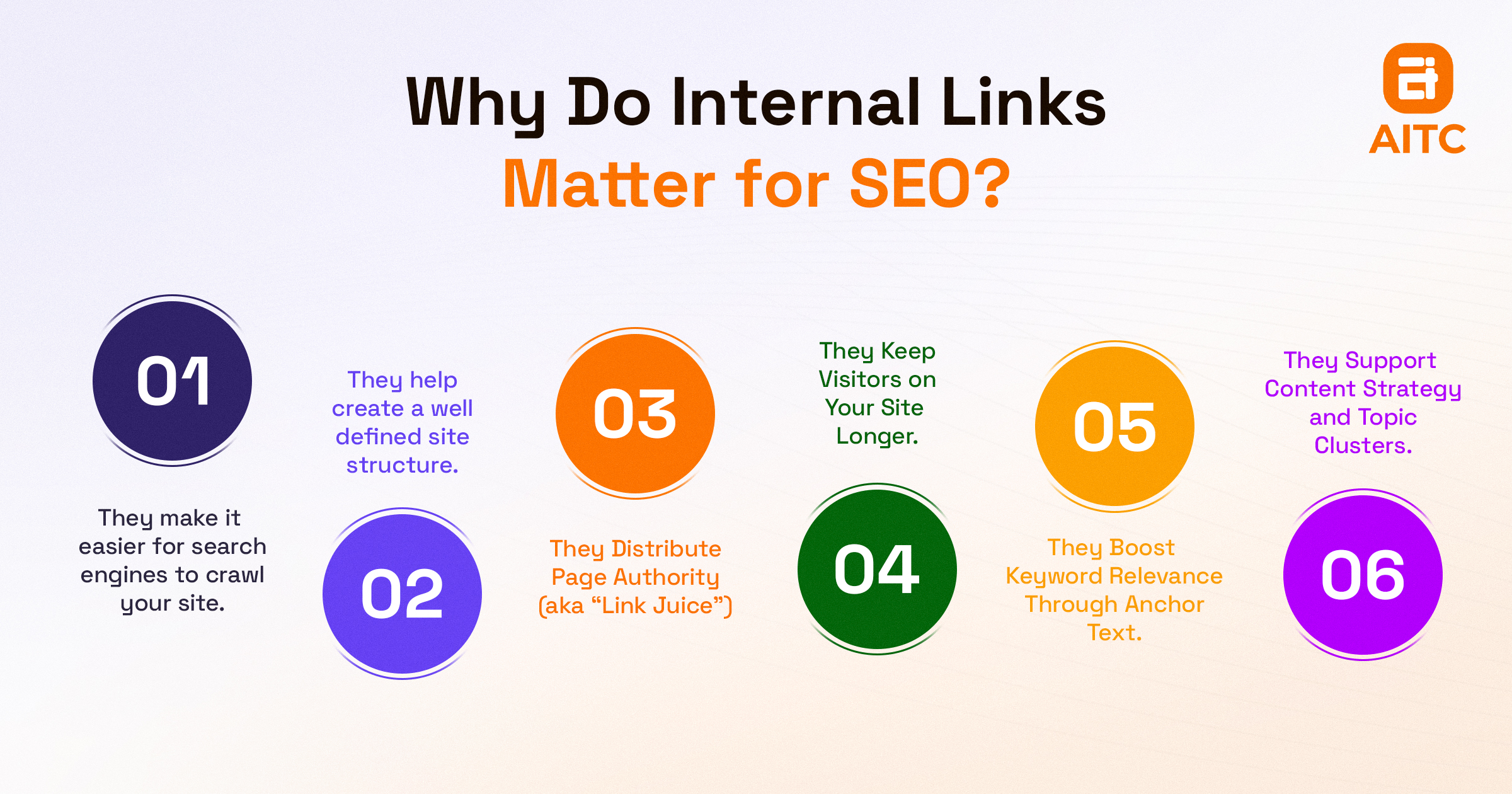
Internal links are crucial for SEO because they help search engines crawl, index, and understand your site’s structure, while also guiding users to related content. Proper internal linking can boost rankings, distribute page authority, and enhance user experience.
Let’s explore the key benefits:
1. Help Search Engines Crawl and Index Your Site
Search engines like Google use bots (crawlers) to discover and index content. These bots navigate your website by following links. Without proper internal linking, some pages may remain hidden from search engines, never ranking or gaining visibility.
A clear internal linking structure ensures both users and crawlers can navigate your content easily, improving your site’s crawlability and overall SEO performance.
2. Create a Well-Defined Site Structure
Internal links establish a logical hierarchy of content:
Homepage → Category Pages → Subcategory Pages → Individual Blog Posts
This hierarchy highlights your most important pages, organizes related content, and signals to search engines which pages are cornerstone content. A well-structured site also improves user navigation, reducing confusion and bounce rates.
3. Distribute Page Authority (Link Equity)
Every page on your website has a certain amount of SEO authority, often gained from backlinks. Internal links pass some of this authority from high-ranking pages (like your homepage) to other pages.
This helps new or lower-ranked pages gain visibility, improving their chances to rank and enhancing the overall SEO strength of your site.
4. Keep Visitors on Your Site Longer
Internal links encourage visitors to explore more of your content:
- Navigate to related articles
- Spend more time on your site
- Reduce bounce rate (learn more)
- Build trust and authority
Engaged visitors are more likely to subscribe, purchase, or return, which also signals to search engines that your content is valuable.
5. Improve Keyword Relevance Through Anchor Text
Using descriptive anchor text helps both users and search engines understand the context of the linked page.
For example, linking the phrase “best SEO tools” to your article about SEO tools signals relevance for that keyword. Use anchor text naturally and avoid over-optimization to maintain readability and SEO integrity.
6. Support Content Strategy and Topic Clusters
Internal links tie related content together into topic clusters, making it easier for search engines to understand your content hierarchy.
For instance, if your main article is “The Ultimate Guide to Email Marketing”, you can link to supporting posts like:
- “How to Write Email Subject Lines That Convert”
- “Best Email Automation Tools for Beginners”
- “A/B Testing Your Email Campaigns”
This creates a content hub, enhancing authority on the main topic and improving SEO for all related pages.
What Happens If You Ignore Internal Linking?
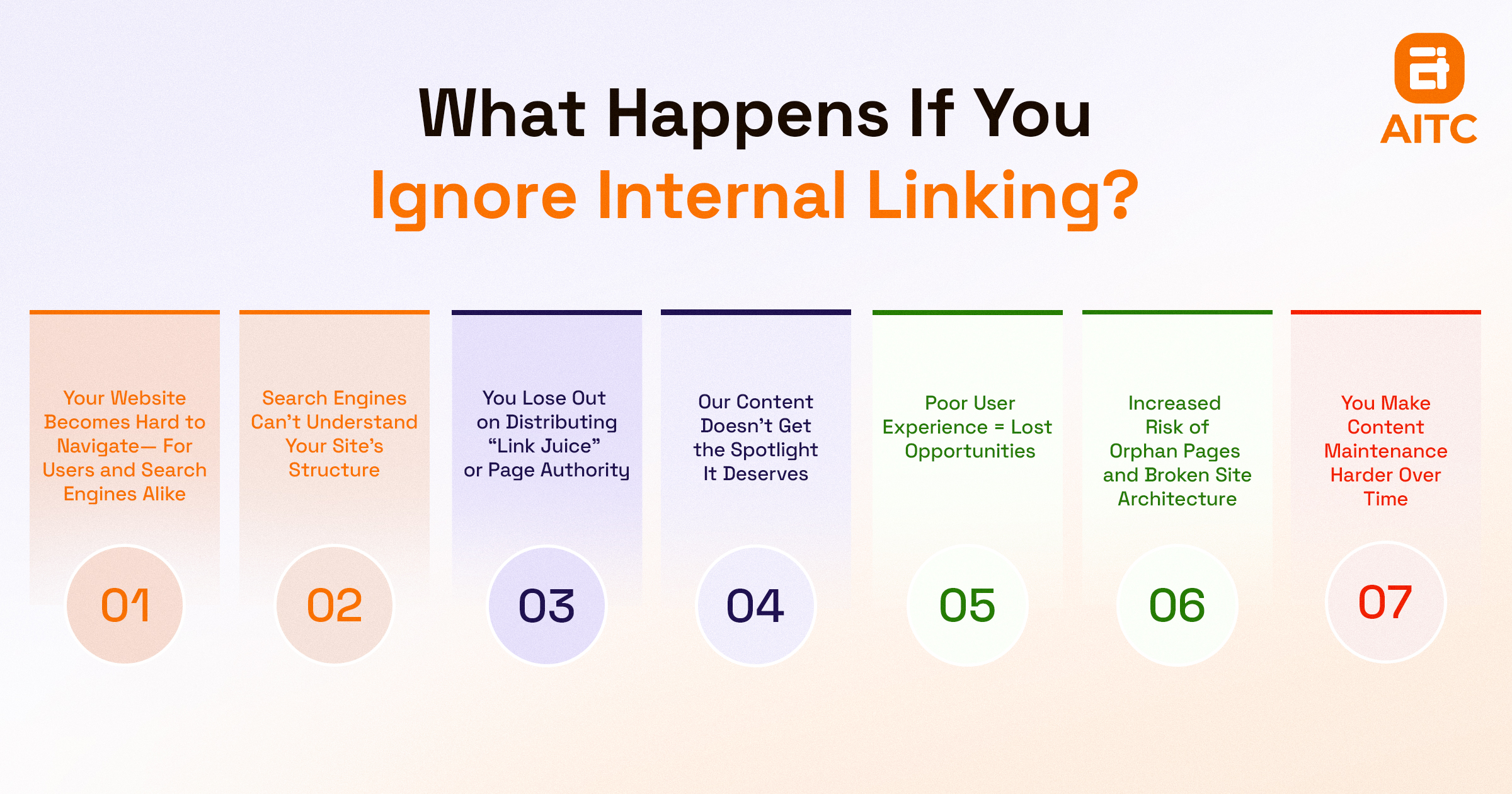
Ignoring internal linking can significantly harm your website’s SEO, user experience, and content visibility. Without proper links:
- Search engines may fail to discover key pages.
- Users can get lost navigating your site.
- Page authority (“link juice”) stays concentrated on a few pages.
- Content remains buried and underutilized.
In short, poor internal linking leads to lower rankings, reduced traffic, and missed engagement opportunities.
1. Your Site Becomes Hard to Navigate
Internal links guide both visitors and search engines through your content. Without them:
- Visitors struggle to find related articles or deeper information.
- Bounce rates increase as users leave a confusing site.
- Pages can become “orphans” that search engines rarely find.
A structured internal linking system improves navigation, crawlability, and user satisfaction.
2. Search Engines Can’t Understand Your Site Structure
Internal links act as a roadmap for your website, showing how pages relate and which are most important. Without them:
- Search engines struggle to prioritize pages.
- Your site hierarchy becomes unclear.
- Rankings across multiple pages may drop due to poor visibility.
A clear linking strategy signals content hierarchy, page importance, and thematic relevance to search engines.
3. Page Authority (“Link Juice”) Isn’t Distributed
Internal links pass authority from high-ranking pages (like your homepage) to other pages. Without this:
- New or lower-ranked pages gain little SEO value.
- Authority remains concentrated on a few pages.
- Opportunities to rank additional content are lost.
Strategic internal linking ensures even distribution of link equity, boosting SEO performance across your site.
4. Your Content Gets Buried
Even high-quality articles can remain invisible if no links point to them. Ignoring internal linking means:
- Pages stay deep in your site hierarchy.
- They receive minimal traffic and engagement.
- Overall site authority and user retention decline.
Linking to relevant content ensures important pages get the spotlight they deserve.
5. Poor User Experience Reduces Engagement
Internal links enhance navigation and content discovery. Without them:
- Users cannot easily explore related content.
- Opportunities to educate, engage, or convert visitors are missed.
- Repeat visits and trust-building suffer.
A well-linked site keeps users engaged, encourages exploration, and supports conversions.
6. Increased Risk of Orphan Pages and Broken Site Architecture
Orphan pages—pages with no incoming internal links—are difficult for both users and search engines to find. Without internal linking:
- More orphan pages appear.
- Site architecture becomes fragmented.
- Content updates and audits become challenging.
Maintaining internal links ensures a cohesive, crawlable, and maintainable website structure.
7. Harder Content Maintenance Over Time
Internal linking helps track and update content efficiently. Ignoring it causes:
- Difficulty identifying outdated or underperforming pages.
- Time-consuming content audits.
- Errors in updating links or maintaining content clusters.
Proper linking simplifies content management, SEO updates, and long-term site growth.
Further Reading: How to Do Keyword Research?
Best Practices for Effective Internal Linking
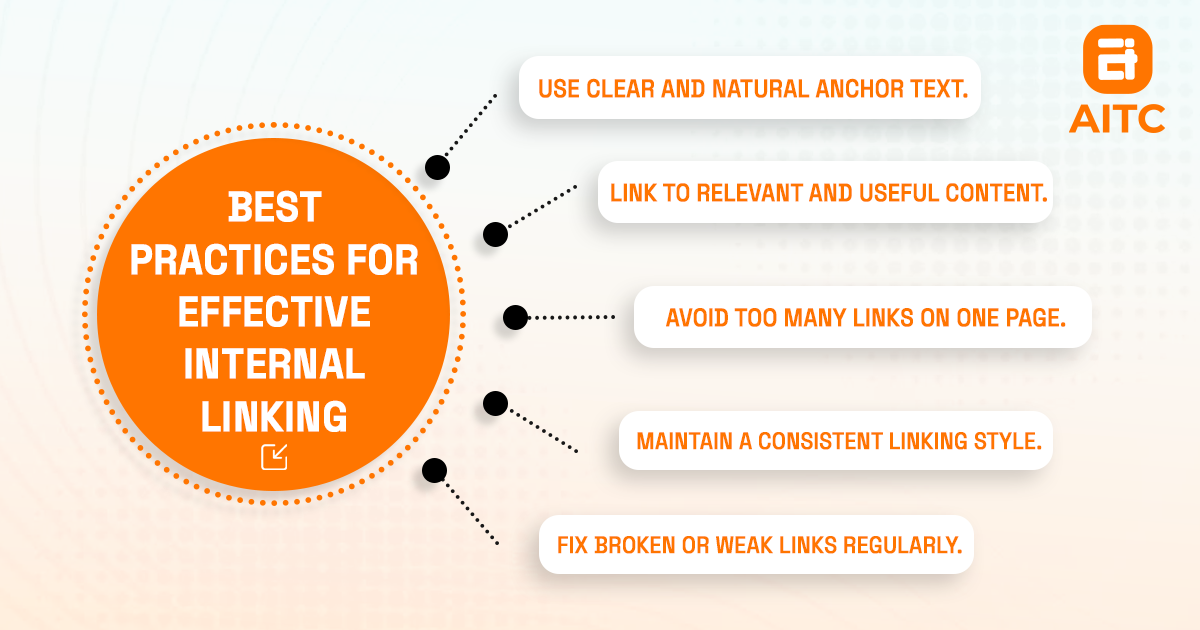
Use descriptive anchor text to clearly indicate the linked page’s topic. Organize content in a logical hierarchy to show relationships between main and supporting pages. Limit the number of links per page for better crawlability and a clean user experience. Always prioritize contextually relevant links that guide visitors naturally and strengthen your site’s SEO authority.
Let's understand in detail.
1. Use clear, natural anchor text that smoothly fits into your content
Anchor text should clearly show what the linked page is about to both readers and search engines.
Good example:
Learn how to boost open rates with these [email subject line strategies].
Bad example:
Click [here] for more info.
Avoid vague phrases such as “click here,” “this page,” or “read more.”
Also, don’t keyword-stuff. Yes, using keywords in anchor text helps, but they need to fit naturally in the sentence.
2. Link to content that is contextually relevant and valuable to the reader
Avoid adding random links.
Every internal link should:
- Add value to the user.
- Provide deeper or related information.
- Make logical sense within the content.
For example, if you're talking about content strategy, it makes sense to link to your post about keyword research or content planning—not your homepage or a contact page.
3. Focus on connecting to your most important or high-converting pages
Think of your website as a pyramid:
- The homepage sits at the top.
- Category or pillar pages form the middle.
- Individual blog posts or product pages make up the base.
To strengthen your site, pass link authority from top-performing pages—like the homepage or high-traffic posts—to important lower-ranked pages that need support, such as:
- New blog posts.
- Key conversion pages (products, services, lead magnets).
- Valuable content that's underperforming in search.
This enhances your site's ranking and visibility.
4. Organize links to reflect a logical and user-friendly site structure
A good internal linking strategy mirrors a strong site architecture. Ideally, a user (and a crawler) should be able to go from the homepage to any other page within 3-4 clicks.
This usually means:
- Linking category pages to blog posts.
- Linking blog posts back to categories.
- Interlinking between related blog posts.
The more organized your structure, the easier it is for search engines to crawl and understand your site.
5. Avoid excessive linking
Yes, internal linking is great, but that doesn’t mean you should stuff 50 links into a 1,000-word article.
Here’s a balanced approach:
- Add internal links where they naturally make sense.
- Focus on quality over quantity.
- If you're linking more than once every 100 words, take a step back.
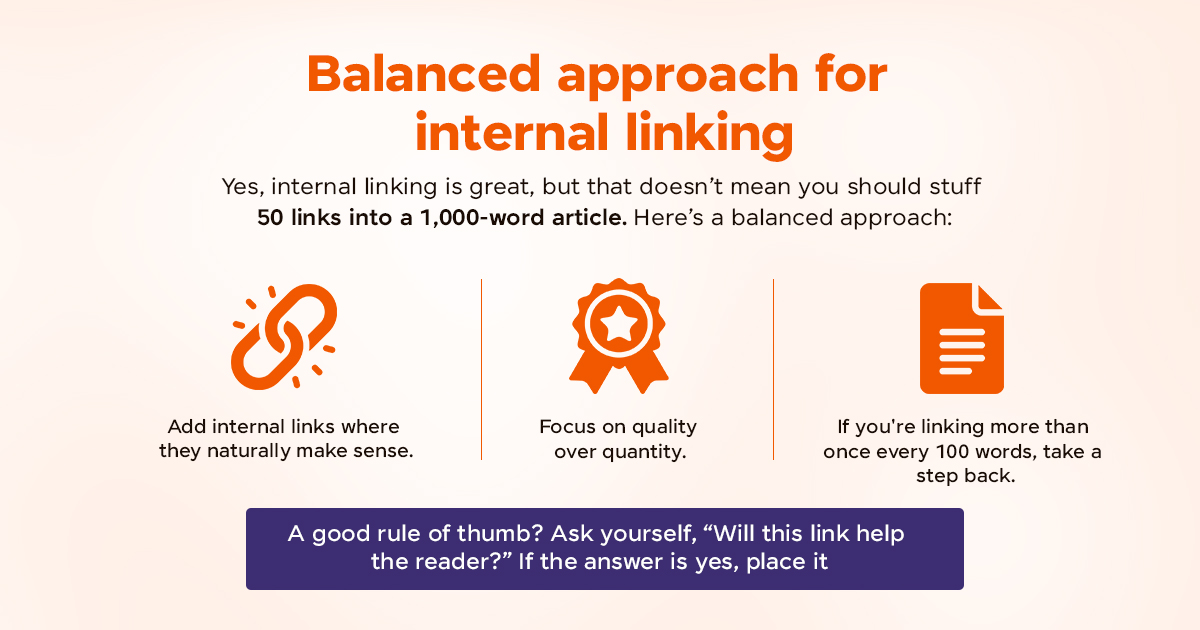
A good rule of thumb? Ask yourself, “Will this link help the reader?” If the answer is yes, place it.
6. Keep your content fresh by adding internal links from older pages to your latest updates
Most people only think about internal links when publishing a new post. But don’t forget to go backward.
Every time you publish a new blog post:
- Identify older related content.
- Go back and add links pointing to your new post.
This helps drive traffic to fresh content and keeps older articles relevant.
7. Follow a consistent linking approach throughout your website
Adopt a consistent linking strategy by:
- Applying uniform styles for anchor text.
- Use a consistent URL format across your site, preferably absolute URLs for better clarity and SEO performance.
- Avoid linking the same keyword to different pages, as it may confuse search engines about which page to rank.
Maintaining this consistency not only improves SEO but also strengthens your website’s credibility and user confidence.
8. Regularly check your website to find and fix broken or weak internal links
Regular audits are crucial because website elements, like links and pages, change over time, and new SEO strategies emerge.
During an audit, check for:
- Broken links.
- Outdated anchor text.
- Pages without any internal links directing to them (orphan pages).
- Opportunities to enhance internal linking within older content.
Useful tools for these audits include:
Key Takeaways
- Internal links connect pages on your website, making it easier for both visitors and search engines to explore and understand your site.
- An effective internal linking strategy helps improve user engagement by directing visitors to related content, lowering bounce rates.
- Best internal link practices include:
- Use descriptive keyword-rich anchor text.
- Link to contextually related and valuable pages.
- Avoid link stuffing.
- Update old content with links to new posts.
- Perform regular link audits.
- AITC International offers affordable SEO services to help your business rank higher, reach the right audience, and grow organically. Contact AITC International.
FAQs
What is anchor text, and why does it matter?
Anchor text is the clickable part of a link that readers often see highlighted within blog content. It signals what the linked page is about and guides both users and search engines through your website.
How many internal links should I add to a page?
There’s no fixed number, but quality beats quantity. Link only when it adds value and fits naturally. A general rule is one internal link every 100–150 words, but always prioritize user intent.
How often should I update internal links?
Perform internal link audits every few months. Update broken links, refresh outdated anchor text, and link older pages to new, relevant content to maintain SEO health.
How can I improve internal linking on an existing website?
Start by:
- Auditing your site for broken or missing links.
- Adding links to underperforming pages from high-traffic pages.
- Interlinking related blog posts.
- Updating anchor text for clarity and keyword relevance.
Does internal linking help new content get indexed faster?
Yes. When you link to new content from already-indexed pages, search engines discover and crawl the new page more quickly.
Do internal links pass SEO value like backlinks?
Yes, internal links distribute SEO authority from strong pages to others. While not as powerful as external backlinks, they play a major role in improving visibility for lower-ranking pages.

Related insights

SEO Best Practices 2026: Rank Higher with Proven Tips
26 Jan 2026

What Are Heading Tags and Why They Matter for SEO in 2025?
13 Oct 2025

How to Write SEO-optimized Content?
13 Oct 2025
Have a project in mind? Let's build something great.
Share your ideas or questions and our experts will get back to you shortly.
Unlock Expert Guidance
Need expert IT advice? Our seasoned professionals are here to help you navigate your tech challenges. Schedule a session with us and get personalized solutions tailored to your business needs.

Connect with Us and Let's Build Something Together
We'd love to hear from you! Whether you have questions, need support, or want to discuss a new project, our team is ready to assist. Fill out the form below, and we’ll get back to you as soon as possible.
Prefer a Direct Consultation?
Connect with our team for a 1-on-1 virtual session to discuss your project, understand your needs, and explore the right solution for your business.
What's Next?
- 1Connect with you at a convenient time
- 2Explore your needs, goals, and requirements
- 3Prepare a tailored proposal based on your needs
Why Choose Us
Connect with AITC
Select your inquiry type to route your request to the right department.
Our Office Locations
Operating across 3 key timezone hubs to serve global enterprise clients.